IdP in the Cloud Account Instructions
Account Activation
Below you will find the instructions to activate your account:
- You will receive an email from no-reply@garr.it sent by an administrator at your institution via the IdP in the Cloud service.
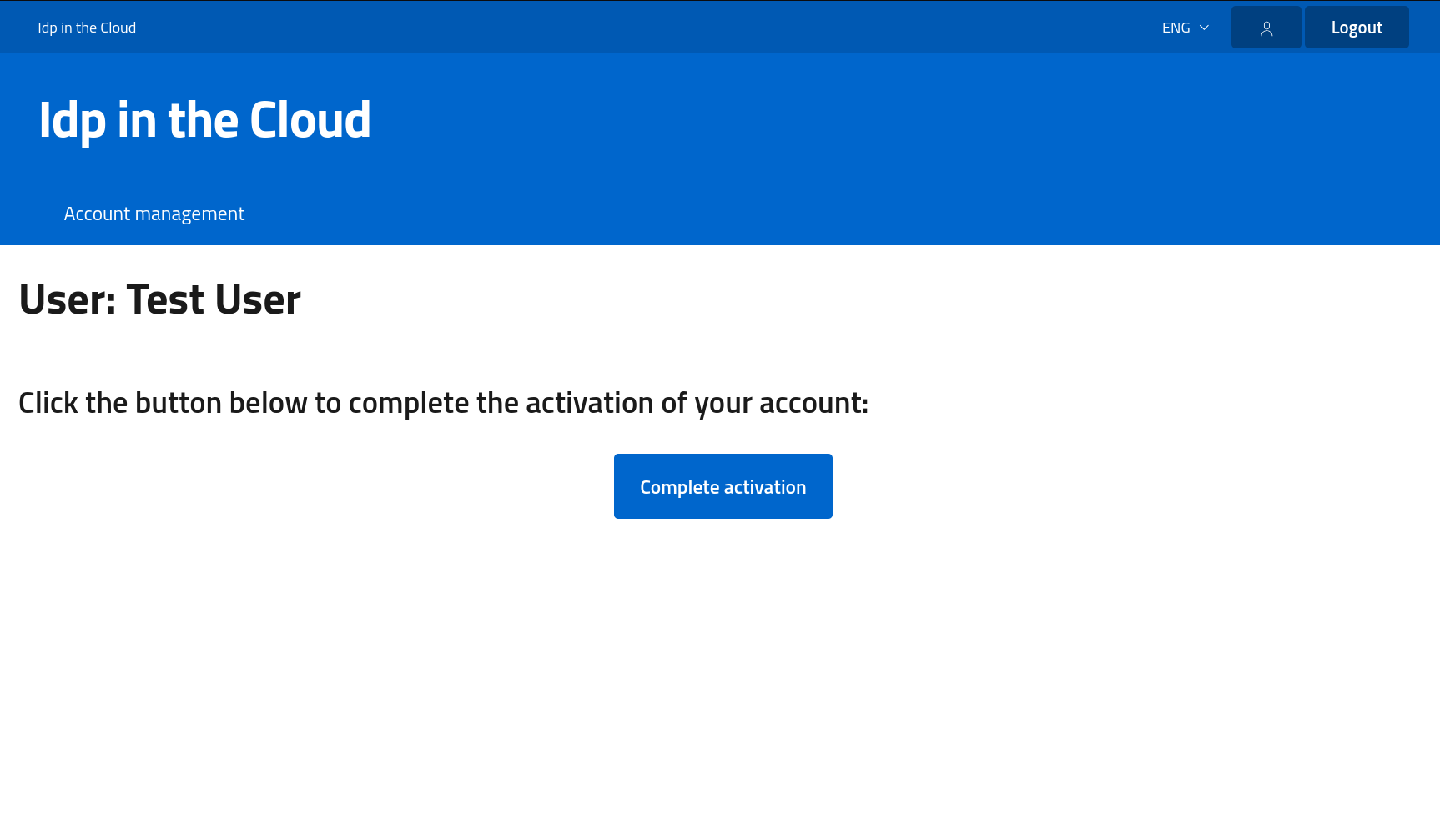
- After clicking the link inside the email,
you will be redirected to the page requesting you to complete the activation:
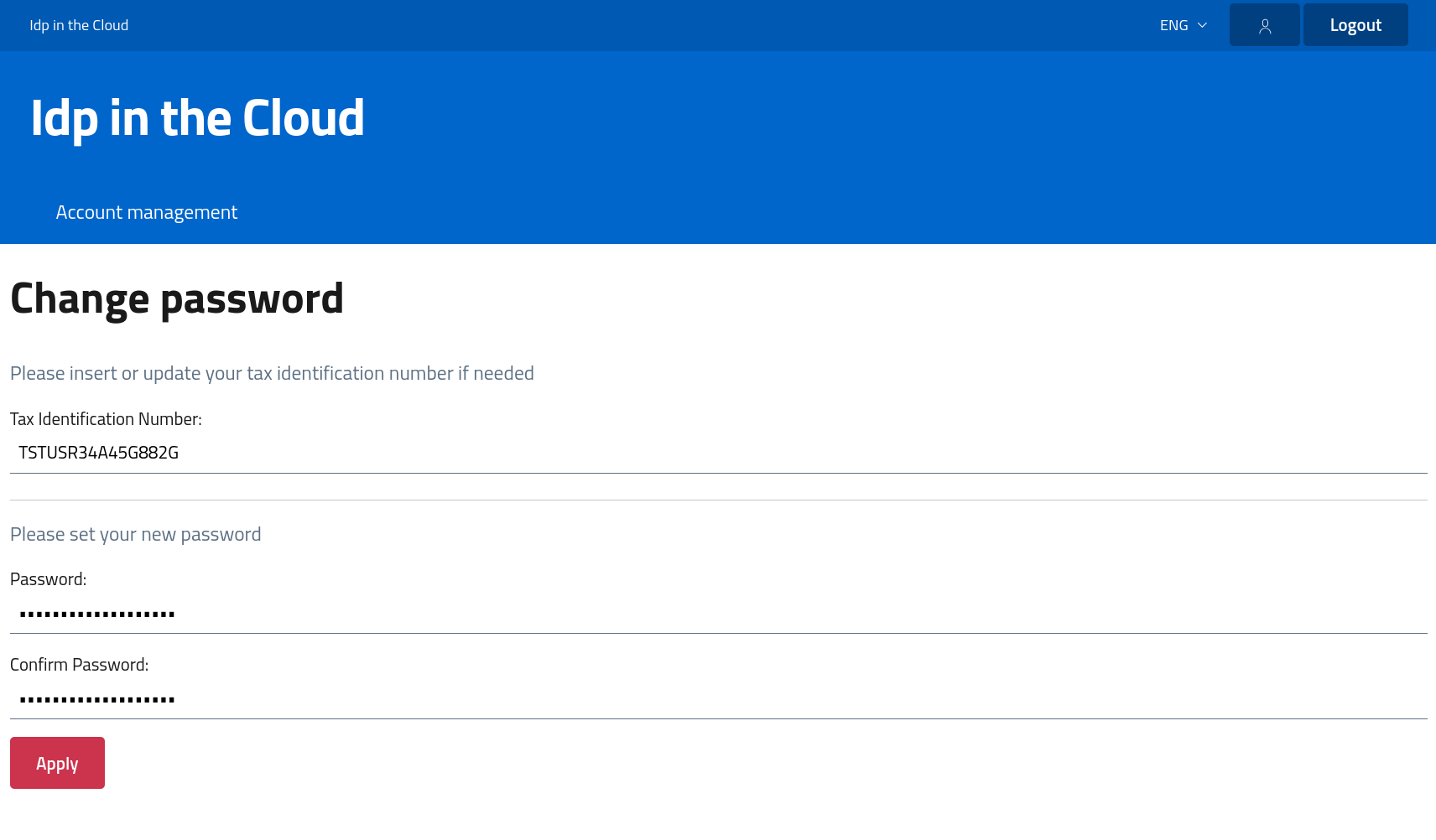
- By clicking the button Complete activation,
you will be redirected to a page requesting you to insert or confirm the Tax Identification Number and the account user password:
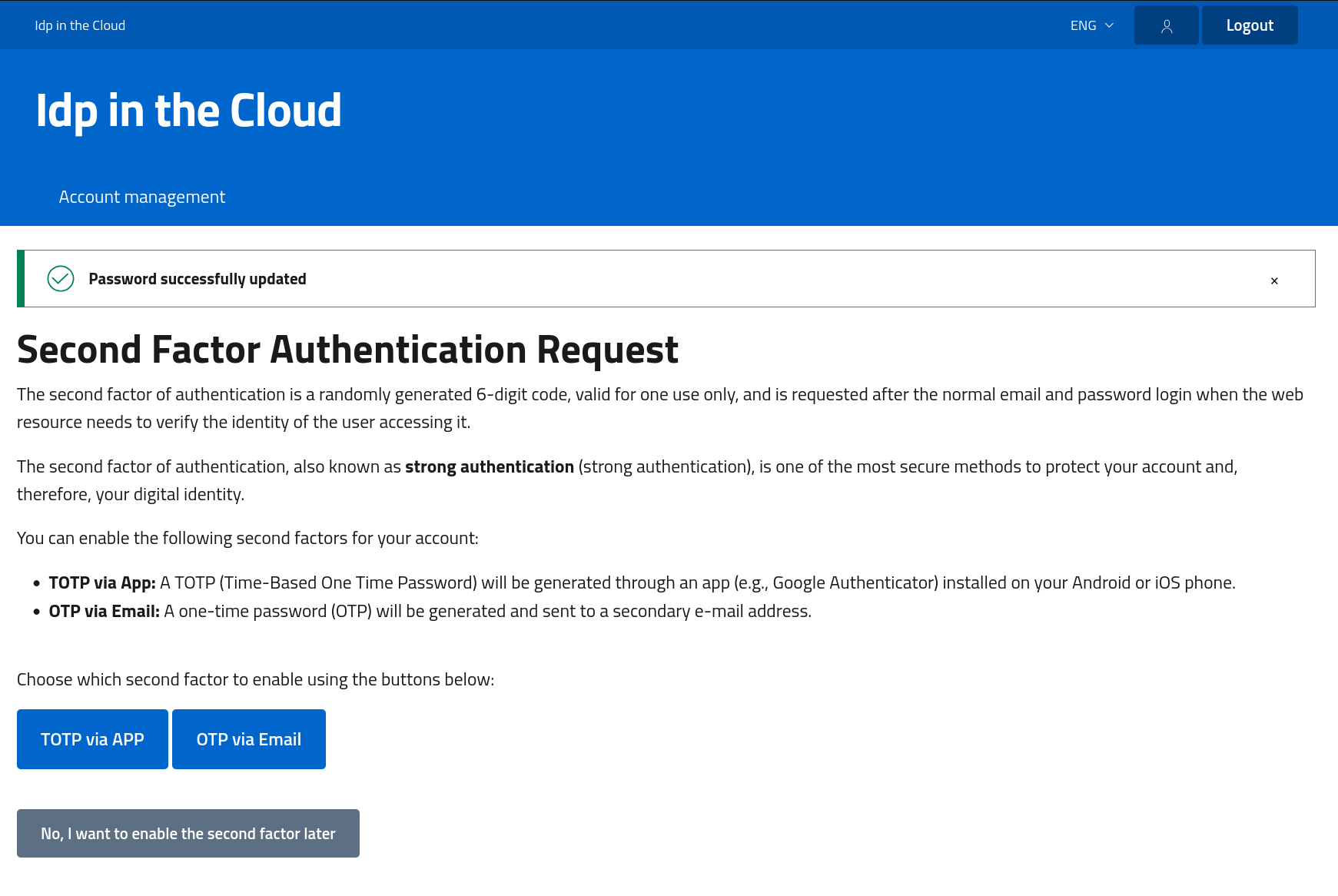
- After completing account activation,
you will be redirected to a page where you can enable second-factor authentication via authenticator app or email:
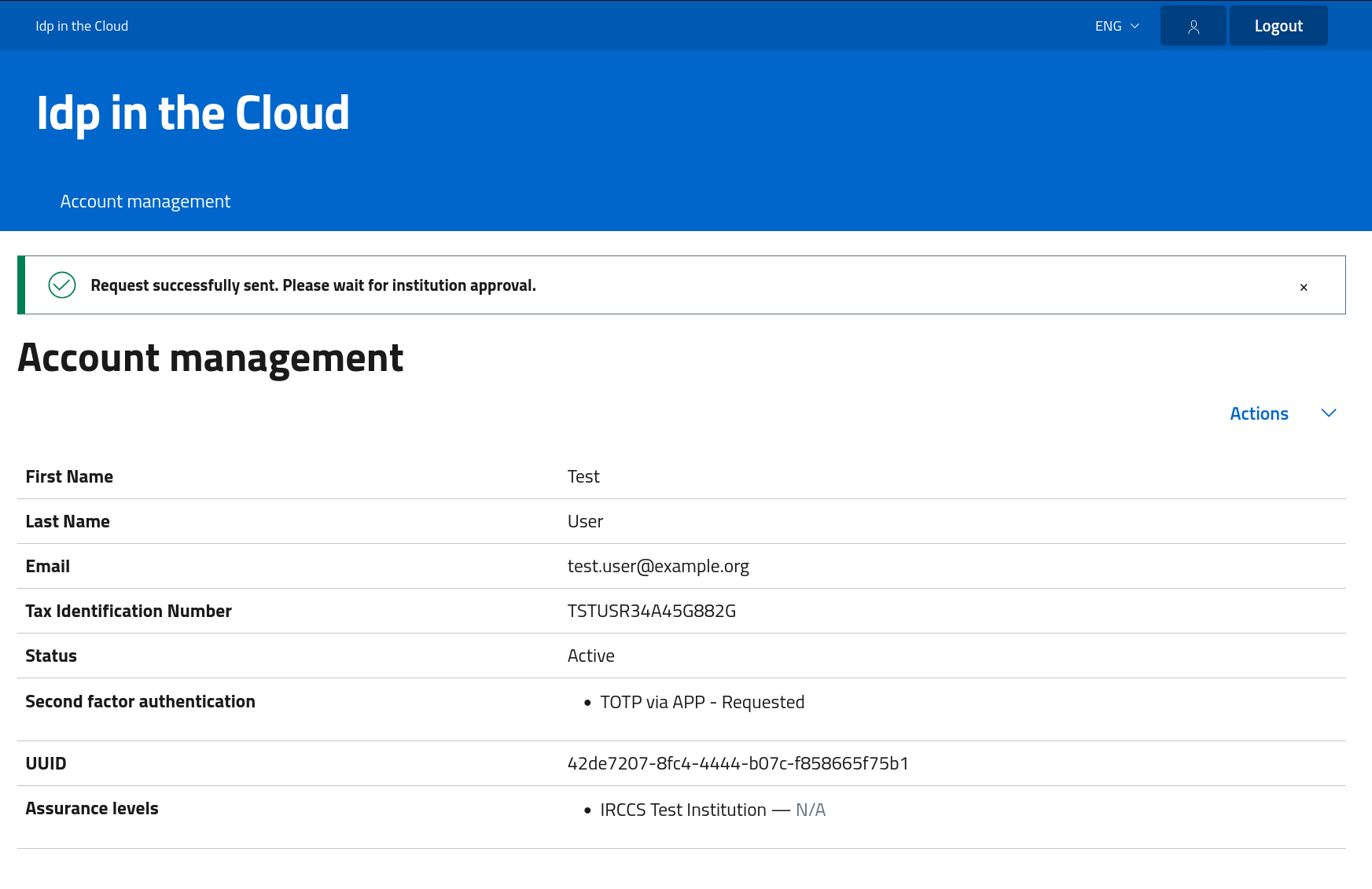
- If you request to enable second-factor authentication (for example, TOTP via an authenticator app),
you will see a confirmation message: Request successfully sent.
- Once an administrator has approved the request to enable the second factor of authentication, you will receive an email from no-reply@garr.it with the latest activation instructions to follow.